
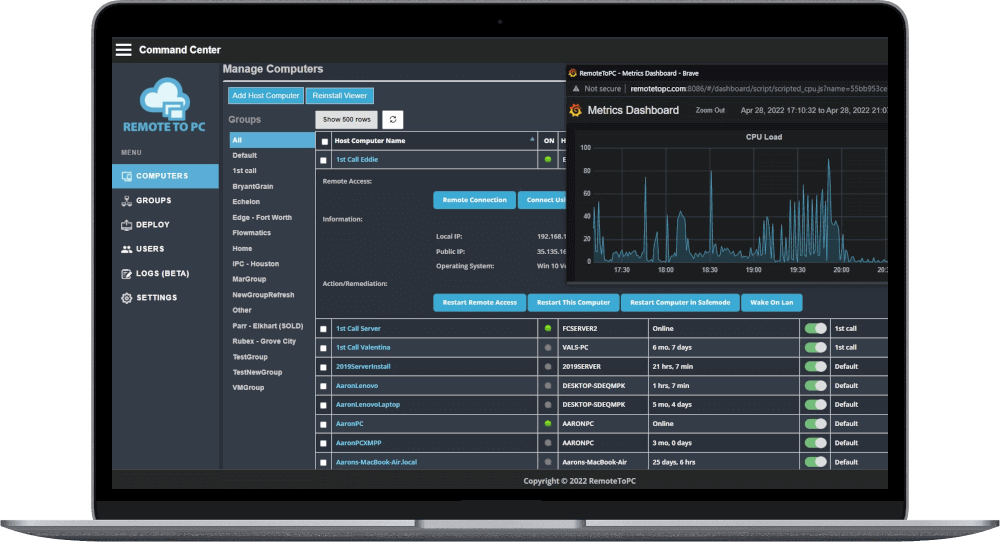
RemoteToPC Command Center
Use the Command Center to monitor, manage and remotely connect to the PC's you need to support or have access to. Teams and Enterprise plans give the option for multiple logins, and come with User Management so you can determine which users and see and have access to remote computers you allow.
Remote Access Application
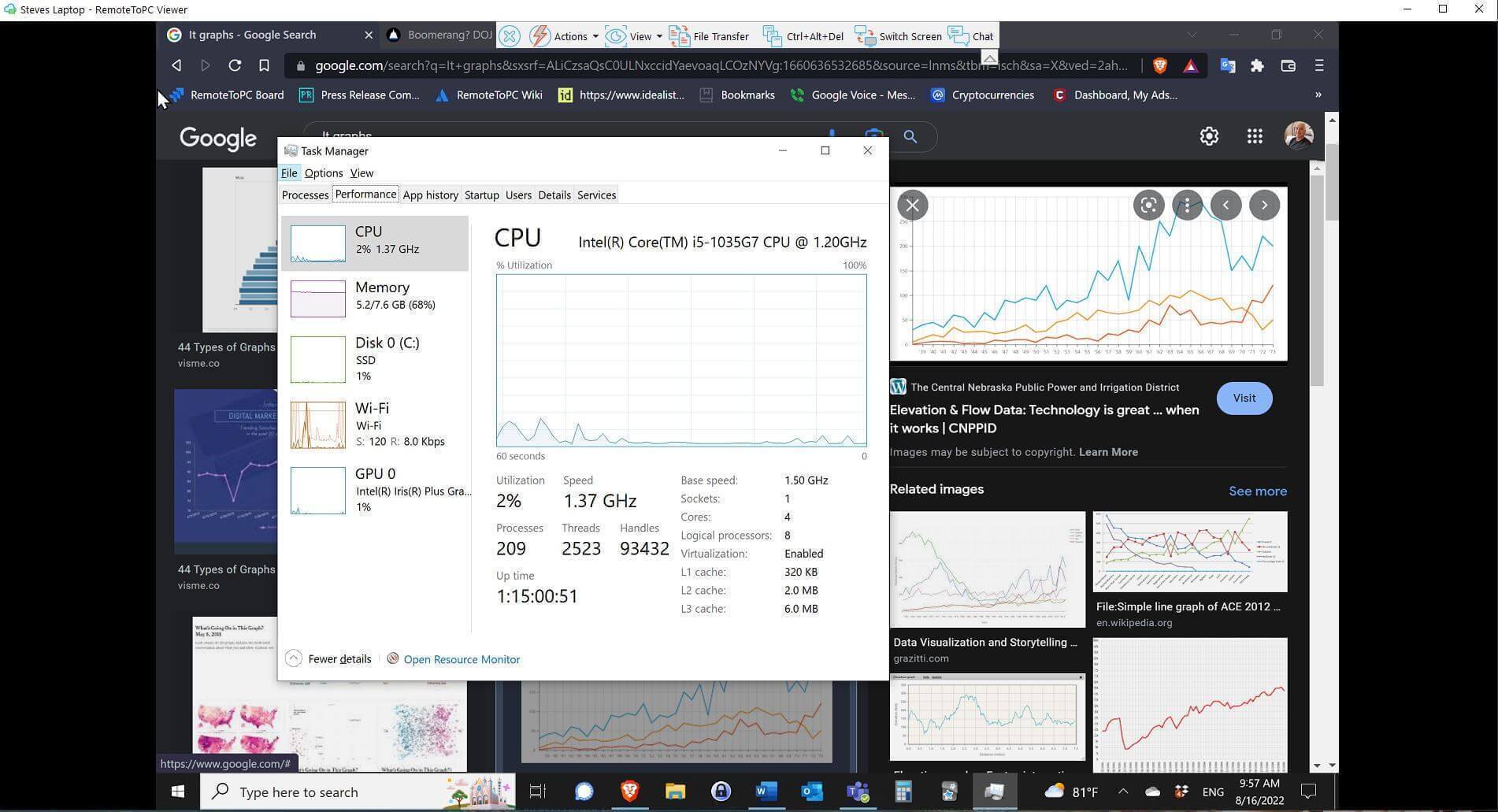
The In-session RemoteToPC remote access application allows you to use any remote PC or Mac as if you're right in front of it. You can copy files, use multiple screens, and pop them out into your multiple screens, remote printing, chat, and more.
Advanced Remote Monitoring and Management
Advanced Remote Monitoring and Management with all Enterprise plans. You get alerts for system metrics, can view advanced system information in near real time, and do things like remote restarts, restart in safe mode, wake on lan, and more...
Remote Rescue - Attended Remote Access
Add Remote Rescue to any existing plan, or buy it as a stand-alone to provide instant tech support via a browser with no installations necissary.
RemoteToPC demo video
RemoteToPC quick overview / product demo
Advanced Remote Monitoring and Management

How to Remotely Access Another Computer: A Simple Step-by-Step Guide
02/04/2026
Remote access has become an essential tool for work and support in today’s flexible workplace. Many users need to remotely access another computer to retrieve

7 Easy Steps to Fix Remote Desktop Black Screen in Windows 10 & 11
01/07/2026
Remote desktop black screen problems are one of the most frustrating interruptions for people working away from the office. You might connect to a Windows

Remote Desktop Not Working? Here’s What You Can Do To Fix It
12/01/2025
Remote desktop access has become essential for employees and businesses, letting people work from anywhere while keeping productivity high. Yet, when a remote desktop not working,